









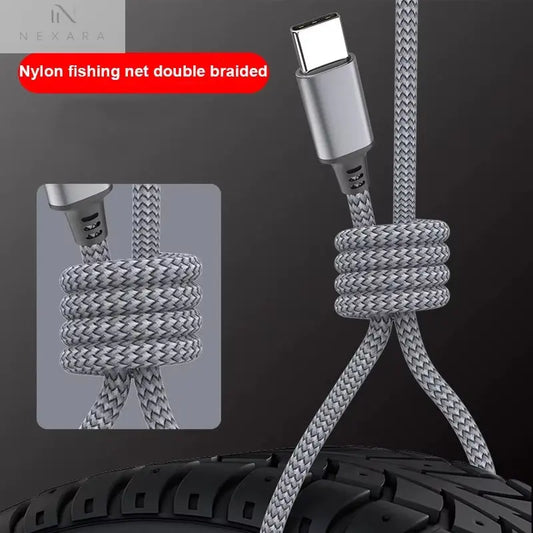


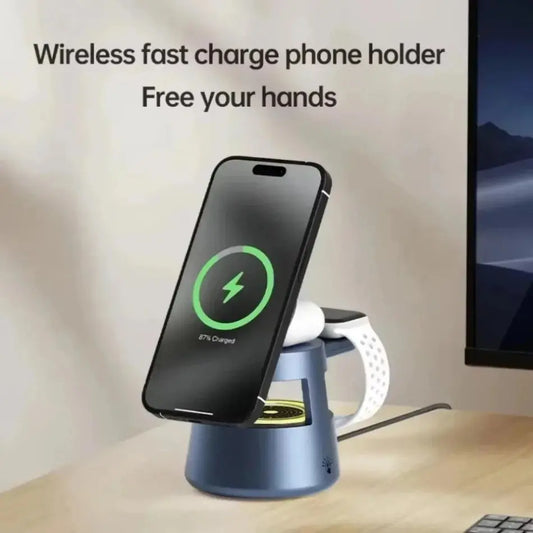
Identify the phone
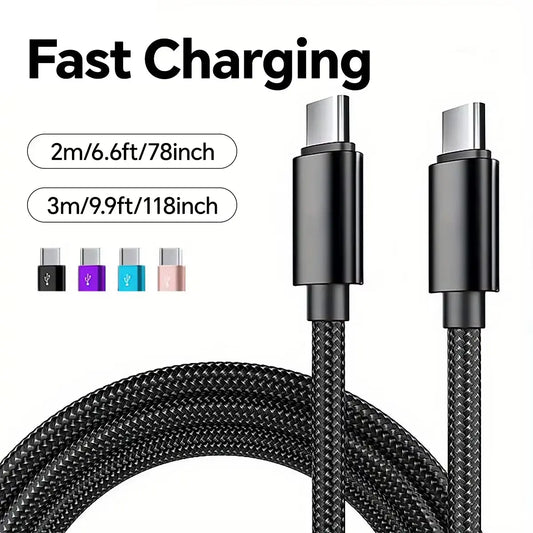
Use the exact model and port type rather than relying on brand alone.

Discover Essential Phone Accessories Enhance Your Experience with Phone Accessories Phone accessories...
Nexara buying guide
Device model and connector come first; then compare the accessory by where and how it will be used.
Use the exact model and port type rather than relying on brand alone.
Separate charging, mounting, protection, audio and wearable needs before comparing products.
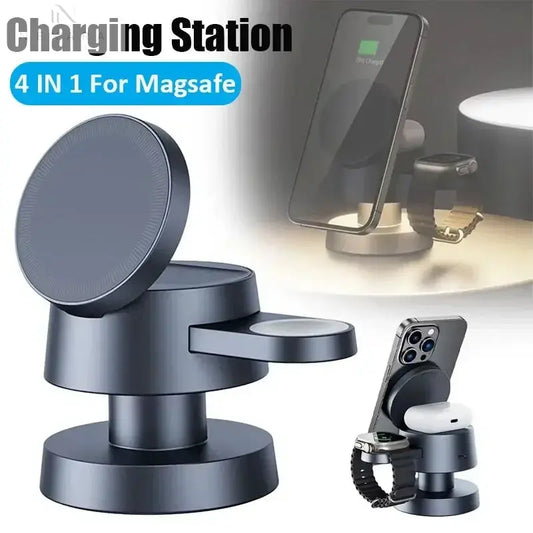
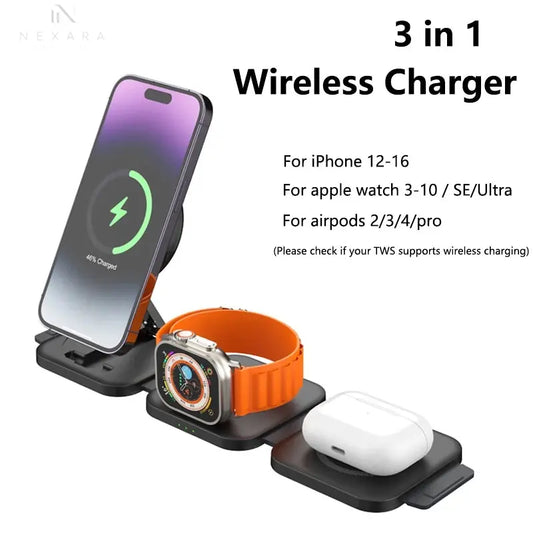
Check the compatibility and package contents stated on each product page; do not infer support from appearance.
Quick comparison
Start comparing
Buying guide FAQs
Match the exact model, connector and any stated size range on the product page.
That depends on the accessory and case. Use only the fit information provided and avoid assuming unlisted compatibility.
Choose the problem first, then open the focused charging, mounting, protection or wearable collection below.
Why trust Nexara Living
An Australian registered business with tracked delivery, published return terms and support you can contact directly.
Nexara Living is registered to World of Shisha PTY LTD, ABN 83 656 958 468.
Verify our business detailsProcessing, destination estimates and charges are explained before purchase.
Shipping informationPublished conditions, no restocking fee, and separate rights for faulty goods.
Return conditionsContact our team before ordering or while an order is in progress.
Contact and FAQ