

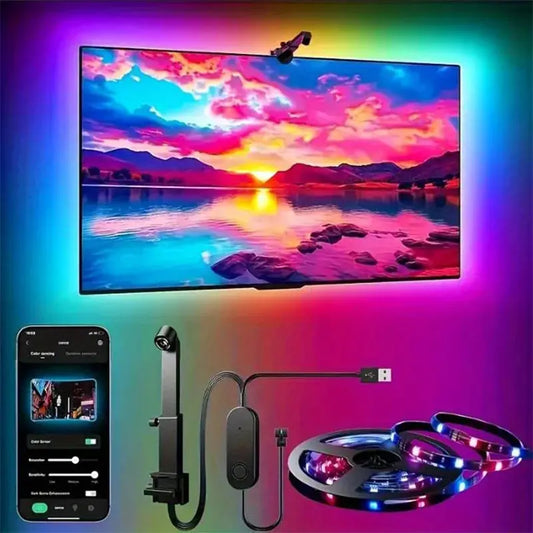

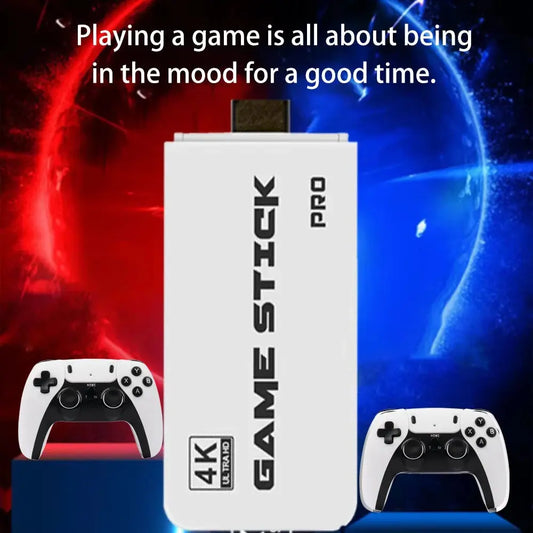
Choose the experience
Separate projection, streaming and retro gaming so the main device has a clear role.
Vous possédez un compte ?
Connectez-vous pour payer plus vite.

Découvrez les accessoires téléphoniques essentiels Améliorez votre expérience avec les accessoires de...
Nexara buying guide
Start with the screen, room and content, then compare connections, controls and the space available.
Separate projection, streaming and retro gaming so the main device has a clear role.
Review the display, power, audio and controller connections stated on the product page.
Consider viewing position, screen or wall, sound and cable routing before buying.
Quick comparison
Start comparing
Comparaisons utiles
Ces liens mettent en avant des options pertinentes qui peuvent être moins visibles dans la grille principale.
Buying guide FAQs
That depends on the room and desired image surface. Review the projector guidance and plan a suitable flat viewing area.
Package contents vary. Check the individual product page before ordering accessories.
Match the stated output and connection requirements to the available inputs on your display.
Pourquoi faire confiance à Nexara Living
Une entreprise australienne enregistrée, avec livraison suivie, conditions de retour publiées et assistance joignable directement.
Nexara Living est un nom commercial enregistré de World of Shisha PTY LTD, ABN 83 656 958 468.
Vérifier nos coordonnéesLe traitement, les délais par destination et les frais sont expliqués avant l’achat.
Informations de livraisonConditions publiées, sans frais de restockage, et droits distincts pour les produits défectueux.
Conditions de retourContactez notre équipe avant la commande ou pendant son acheminement.
Contact et FAQ